
Bring Photos, Slides, and Documents Into the Digital Age
Keep What Matters Close
Turn printed memories and important papers into digital files that are easier to preserve, find, and share. Gather your materials before scanning; grouping and labeling them helps keep your collection organized.

Scanning for the Materials That Matter
Printed Photo Scanning
Digitize loose prints and family snapshots so you can revisit and share them without repeatedly handling the originals.
Slide Scanning
Bring images stored on photographic slides into a format you can view and share on modern devices.
Document Scanning
Convert letters, records, and other paper documents into digital files that are simpler to store and retrieve.
More Ways to Enjoy What You Save
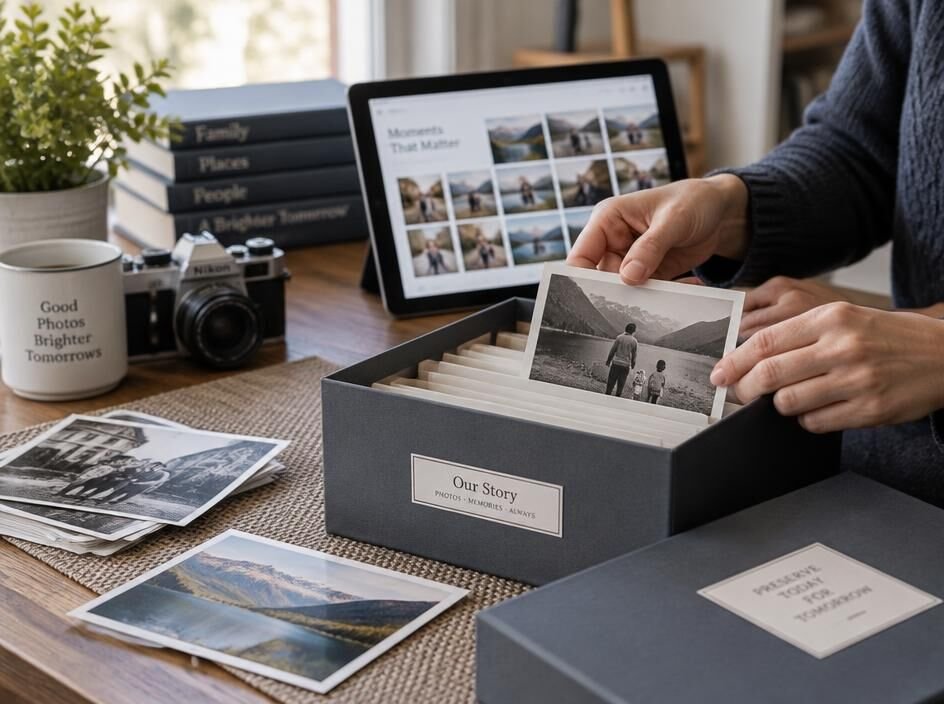
Protect Fragile Originals
Use digital copies for everyday viewing while keeping delicate photos, slides, and papers safely stored.
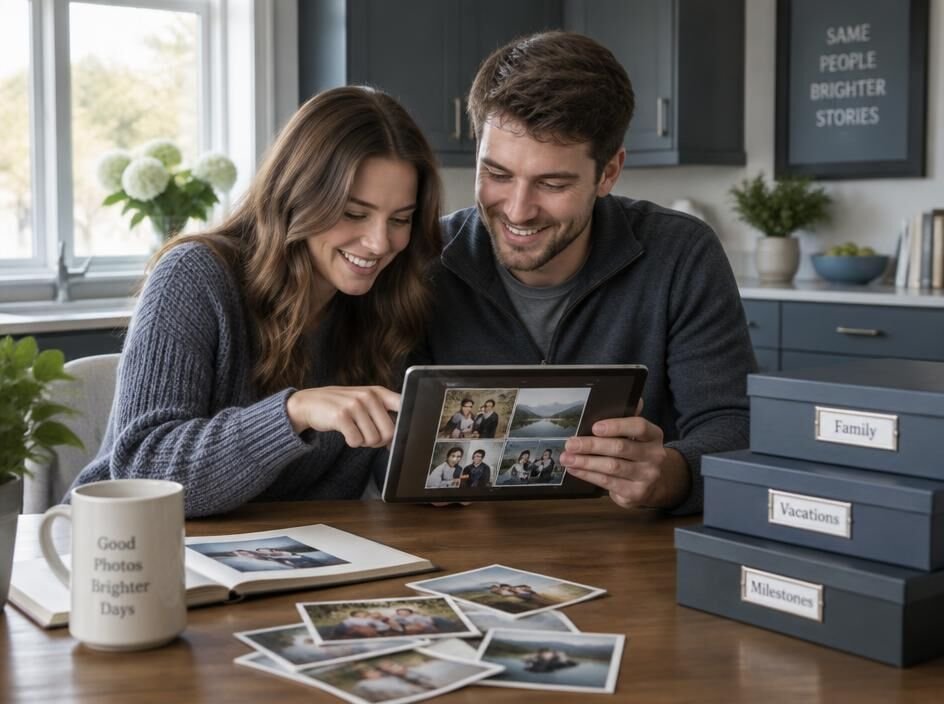
Find and Share with Ease
Open scanned materials on your devices and send favorite memories or needed documents without searching through boxes.
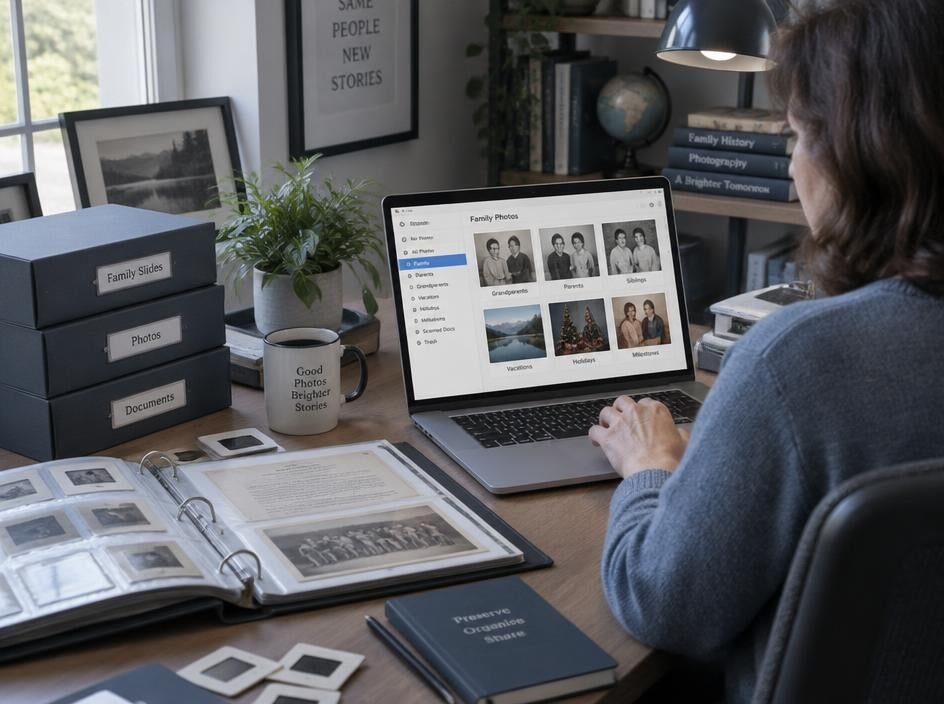
Create a More Organized Archive
Group and label materials before scanning to make your new files easier to sort, identify, and revisit.
From Originals to Organized Digital Files
1
Choose and Prepare Your Materials
2
We Scan Your Originals
3
Receive Your Digital Files
Get Your Originals Ready for Scanning
Group photos by event, year, or person
Keep prints in the order you want scanned
Label each photo group with a short note
Separate loose prints from album pages
Remove paper clips, staples, and sticky notes
Handle photos by the edges when possible
Sort slides by carousel, box, or date
Number slide groups to preserve their order
Leave slides in protective mounts
Set aside damaged slides for extra care
Arrange documents in reading order
Unfold pages before packing them
Mark double-sided pages that need scanning
Separate fragile papers from everyday pages
Use envelopes or sleeves for small originals
Keep labels on containers, not originals
Make a note of any preferred file names
Pack everything securely for transport
Scanning Questions, Answered
Here’s what to know about media types, digital files, timing, and the care of your originals.
What materials can you scan?
We scan printed photos, mounted slides, and paper documents. If you have unusual sizes, fragile items, or materials stored in an album, ask us about them before bringing them in.
How sharp will my scans be?
We choose scan settings suited to the material and its intended use. A scan can capture the detail present in an original, but it cannot restore detail that has faded or was never there.
Do I need to sort everything first?
Sorting is helpful but not required. Grouping and labeling items by date, event, or subject makes it easier to preserve your preferred order in the digital files.
How will I receive my digital files?
We’ll confirm a delivery method that works for your project, such as a digital download or a storage device. Let us know if you have a preferred file organization.
How long does scanning take?
Turnaround depends on the number of items, their condition, and any organization needed. We’ll discuss the expected timeline after reviewing your materials.
How do you handle original materials?
We handle originals carefully, keep labeled groups together, and return your materials after scanning. Please flag fragile or irreplaceable items so we can discuss the best approach before work begins.
What Customers Say About Scanning
“Our family photos had been tucked away in boxes for years. Now we can find our favorites in minutes and share them with relatives across the country.”
“Digitizing my parents’ slides brought back memories I hadn’t seen since childhood. It’s a relief to have copies we can enjoy without setting up a projector.”
“We had years of paper records taking up space at the office. Scanning them made it much easier to locate the documents our team needs.”
“I wasn’t sure how to prepare my mixed collection of prints and documents. Blue Acorn Media helped me understand the next steps, and now everything is easier to access.”
Ready to Preserve What Matters?
Have photos, slides, or documents waiting to be digitized? Contact Blue Acorn Media to talk through your collection, ask how to prepare it, and take the next step toward digital copies you can access and share.