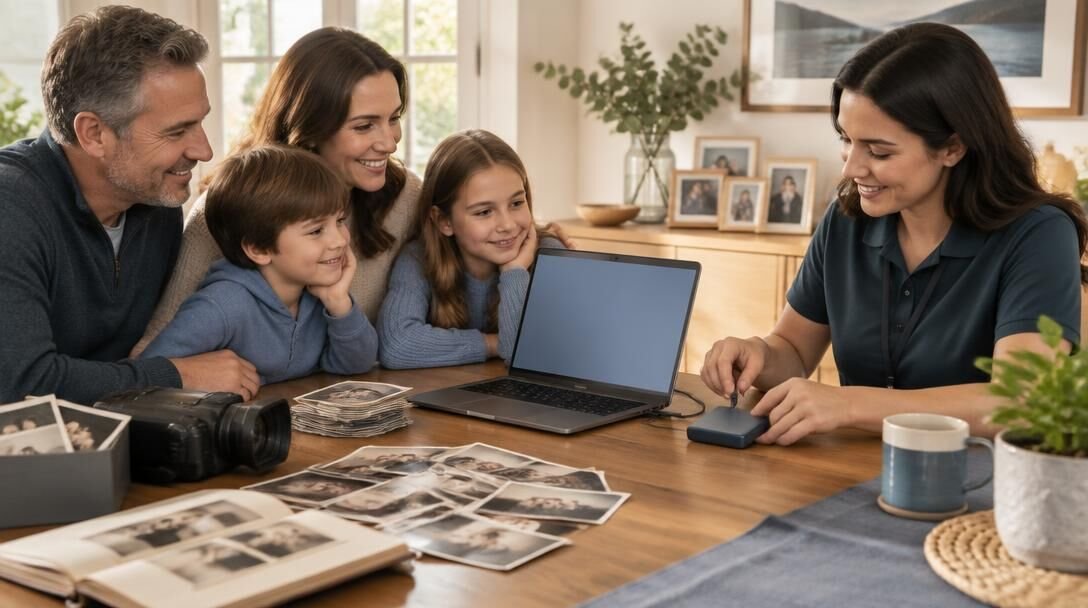
Keep What Matters, Even When Devices Fail
Protect your photos, videos, documents, and treasured memories with a backup plan that keeps extra copies ready when you need them.
Practical protection for your digital life
Make a Safer Copy Today
Start protecting your files before a lost device or damaged drive makes them harder to recover.
One copy is a risk
Accidental deletion, failing devices, fires, floods, and aging storage formats can put irreplaceable files beyond reach. Keeping copies on separate storage—and checking them regularly—helps ensure a single mishap does not become permanent loss.
Give Every Important File a Second Home
Family Photos
Preserve everyday snapshots and milestone moments beyond the phone or computer where they were first saved.
Home Videos
Keep recordings of celebrations, voices, and family stories available if a device stops working.
Scanned Slides
Back up digitized slides so the time spent bringing old memories into focus is never wasted.
Personal Documents
Store extra copies of letters, records, and paperwork that would be difficult to replace.
Digitized Prints
Protect scans of printed photographs from loss after the originals have faded, moved, or been damaged.
Creative Projects
Save working files and finished designs so your ideas survive an accidental overwrite or hardware failure.
Audio Recordings
Preserve interviews, messages, and meaningful sounds that cannot simply be recorded again.
Archived Digital Media
Move files from aging discs, drives, and memory cards into a backup system you can maintain and access.
Protect What Matters
Media and File Backup Services
Photo and Document Scanning
Turn printed photos and important papers into digital files you can preserve and share.
Slide Digitization
Convert slides into digital images so treasured memories are easier to access and back up.
Video Preservation
Create digital copies of home videos to help protect moments stored on aging media.
Digital File Backup
Make additional copies of photos, videos, documents, and other important files to reduce the risk of loss.
Media Organization
Sort digital memories into clear folders so the files you need are easier to find.
Backup Planning
Choose practical storage options and an update routine that fit your collection.
What Makes a Backup Reliable
A dependable backup plan protects important files against device failure, accidental deletion, and other unexpected losses.
More Than One Copy
Keep your working files and at least one additional copy so a single failure does not erase everything.
Separate Storage Locations
Store copies in different places, such as an external drive and cloud storage, to avoid a single point of loss.
Regular Updates
Refresh backups as you add photos, videos, and documents so recent files stay protected.
Simple File Retrieval
Use clear folder names and check your copies so you can locate and restore files when needed.
A Practical Path to Protected Files
Start with the files you cannot replace, then create and test copies you can find when you need them.
1
Identify What Matters
Gather important photos, videos, slides, documents, and digital files; note where each is currently stored.
2
Choose Locations and Make Copies
Select separate backup destinations, then copy or scan your files into organized folders.
3
Verify and Keep Current
Open a sample of backed-up files, test a restore, and set a routine for adding new files.
Backup Questions, Answered
Find practical answers to common questions about protecting photos, videos, documents, and older media.
How often should I back up my files?
Back up files whenever you add or change anything you would hate to lose. For frequently updated documents and photos, an automatic daily backup is a good starting point.
Where should I store my backups?
Keep copies in more than one place, such as an external drive and a reputable cloud storage service. Storing one copy off-site helps protect against theft or damage at home.
Is one external hard drive enough?
An external drive is useful, but it can fail or be lost. A second copy in a separate location gives your files another layer of protection.
Can you help protect old photos, slides, and videos?
Yes. Blue Acorn Media can help scan and organize older media so you can include digital copies in your backup plan while keeping the originals safe.
What files are most important to back up?
Start with irreplaceable family photos and videos, important documents, creative projects, and any files you need for work or everyday life.
What if my files are on an old device or hard to open?
Tell us what device, disc, or file format you have. We can review your options for accessing the files and advise on next steps; some media may require specialized recovery.
Should I keep my original media after making digital copies?
Yes, when practical. Keep originals in a safe, dry place while using digital copies for convenient access and backup.
How do I know my backup actually works?
Periodically open a few files from your backup and confirm you can restore them. A backup is most useful when you know the copies are complete and accessible.
Can you help organize files before backing them up?
Yes. We can help organize scanned photos, videos, and documents so your collection is easier to find, maintain, and protect.